How Much Does Appointment Booking Software Cost?
Appointment booking software cost in 2026: real subscription prices from vendor pages, custom appointment app builds, hidden fees, and the three-year arithmetic.
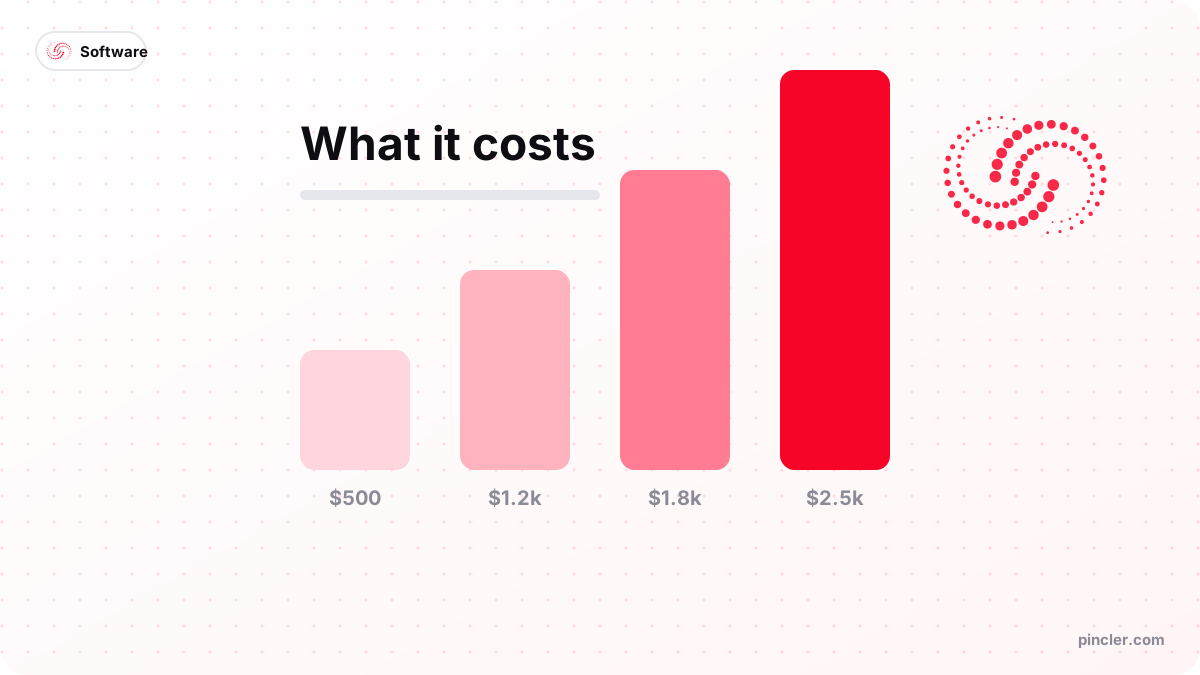
Quick answer
- Subscription (solo)
- $0–$61/month at the time of writing (Square free tier to Acuity Premium)
- Subscription (team)
- $10–$20 per seat/month — Calendly Standard $10, Teams $16 billed annually
- Custom build
- $900–$2,000 fixed at PINCLER, 10–16 days, no per-seat fees — AI drafts it, senior engineers review and test it
- Hidden costs
- SMS reminders, card processing (2.9% + 30¢ online at Stripe), per-seat growth
- Rule of thumb
- Under ~5 bookers with standard rules: subscribe. Beyond that, run the 3-year maths
Appointment booking software costs $0–$61 a month as a subscription for a single user at the time of writing, $10–$20 per seat monthly for teams, or $900–$2,000 as a one-off custom appointment app at PINCLER, where AI writes the first draft and senior engineers review, test and harden the build. Which number applies to you depends on two things: how many people take bookings, and whether your scheduling rules fit a standard tool.
This guide prices the appointment-app decision specifically — subscriptions versus a custom build for taking appointments. For the wider category — what any booking or scheduling system costs to develop, feature by feature — the definitive breakdown is our booking system development cost guide; this article stays on the appointment-software angle.
Every subscription price below is cited from the vendor's own published page, hedged to the time of writing, and every build price comes from PINCLER's published fixed-price catalogue. No invented averages.
How Much Does Appointment Booking Software Cost?
Three price shapes cover the whole market. Subscriptions for individuals run from genuinely free to $61 a month. Team tools price per seat, so the bill scales with headcount. Custom builds price once — $900–$2,000 fixed in PINCLER's catalogue — and then cost only hosting. Almost every confusing quote you will meet is one of these shapes wearing different packaging.
The decision is rarely about the sticker price; it is about the multiplier attached to it. A per-seat price multiplies by your team and by every month you stay. A one-off build multiplies by nothing, but demands more of you up front: a written spec and a fortnight of patience. The sections below put real numbers on each shape.
What Do Subscription Appointment Tools Cost?
The published prices at the time of writing: Calendly's pricing page lists a free plan with one event type, Standard at $10 per seat monthly billed annually, Teams at $16 per seat monthly billed annually, and an Enterprise tier starting at $15,000 a year for a minimum of 50 seats. Acuity Scheduling's page lists Starter at $16 a month billed annually ($20 monthly), Standard at $27 and Premium at $49. Square's Appointments pricing offers a free single-location plan, Plus at $49 per location monthly and Premium at $149.
Read those shapes carefully: Calendly meters by person, Acuity by plan tier, Square by location. The same 10-person, two-site business gets three very different bills from the same feature checklist — which is why comparing tools on features alone, without modelling your own headcount and sites against each pricing shape, reliably picks the wrong one.
| Tool & plan | Published price (time of writing) | Pricing shape |
|---|---|---|
| Calendly Free / Standard / Teams | $0 / $10 / $16 per seat monthly, annual billing | Per seat |
| Acuity Starter / Standard / Premium | $16 / $27 / $49 per month, annual billing | Per account tier |
| Square Appointments Free / Plus / Premium | $0 / $49 / $149 per location monthly | Per location |
What Does a Custom Appointment App Cost?
A custom appointment app — live availability, booking flow, reminders, staff calendars, payments — runs $900–$2,000 fixed at PINCLER, delivered in 10 to 16 days to your own GitHub and cloud. Across the 79 builds in PINCLER's published fixed-price catalogue, every one fixed-price between $500 and $2,500, the overall median is $1,450 and 13 days, and appointment work tracks it closely. There are no seats, no tiers and no renewal letters; ongoing cost is hosting at roughly $5–$25 a month.
What moves a quote inside that band is structure, not polish: the number of staff diaries, whether rooms or equipment constrain bookings, deposit rules, and how many external systems the app must talk to. The full driver-by-driver anatomy — for this and every other booking shape — is in the booking system development cost guide, and the build process itself is covered in our appointment booking app development guide.
What Are the Hidden Costs on Both Sides?
Subscriptions hide their totals in multipliers: seats added as you hire, the tier jump when one needed feature sits a plan higher, and SMS reminder credits that bill separately on several tools. Custom builds hide theirs in running costs: hosting, an email/SMS provider, and someone to call when something breaks — at PINCLER a 14-to-60-day bug-fix warranty is included and support after it is optional, but you should ask any builder the same question.
Payment processing is the cost neither side escapes. Stripe's published US pricing lists 2.9 percent plus 30 cents per successful online card charge at the time of writing, and Square's processing on its free appointments plan lists at 3.3 percent plus 30 cents for online payments. On $5,000 of monthly card bookings that is roughly $150–$180 a month — often more than the software itself, and worth modelling before either choice. A clean payment gateway integration at least keeps those fees transparent in your own reporting.
What Does the Three-Year Maths Say?
Solo first, because it is the honest baseline: Acuity Starter at $16 a month is $192 a year, $576 over three years. No custom build touches that, and a solo operator with standard rules should subscribe and stop reading. This is the case where an affordable custom software development company should tell you not to hire one.
Teams flip the sign. Ten bookers on a $20-per-seat monthly plan cost $200 a month — $2,400 a year, $7,200 over three. A $1,500 custom build plus $15-a-month hosting totals $2,040 over the same period; break-even lands near month ten ($2,040 ÷ $200 ≈ 10.2). Even Calendly's cheaper $16 Teams seat puts ten people at $5,760 over three years, against which the build recovers its cost inside thirteen months. The multiplier, not the sticker, decides.
How many people take bookings?
  1-2  -> subscribe (free tier first)
  3-5  -> do standard tools fit your rules?
            YES -> subscribe, revisit yearly
            NO  -> build ($900-$2,000 fixed)
  6+   -> 3-year maths:
            seats x price x 36 months
            vs build + (hosting x 36)
            -> per-seat total usually loses
Who Should Subscribe, and Who Should Build Instead?
Subscribe if you are a solo operator or a two-person team with standard appointment rules and no resource constraints. The multiplier is small and the fit is good, so the subscription wins on every axis that matters — cost, speed, support, and years of edge cases already fixed. It is also the right laboratory: a year of scheduler data teaches you your real rules before you pay to encode them in a custom build.
The subscription stops being right when you are paying for seats that use one feature, when a tier upgrade is being forced by a single need, or when staff work around the tool daily because it does not model your business. Those are fit failures, and no discount fixes fit.
What Cost Mistakes Do Buyers Make?
The same four arithmetic errors appear on both sides of this decision, and all are avoidable with ten minutes of modelling.
- Comparing a build price to one month of subscription instead of 36.
- Ignoring processing fees, which often exceed the software cost at moderate booking volume.
- Forgetting seat growth — the plan priced for today's team is billed for next year's.
- Building solo-scale software that $576 of subscriptions would have covered for three years.
PINCLER's Perspective: Why the Build Price Is Four Figures
The $900–$2,000 appointment band exists because the production method changed. AI tooling writes the boilerplate, tests and first-draft screens; senior engineers own the scheduling correctness, security and release. Across PINCLER's published catalogue of 79 fixed-price builds that model produces a median advertised price of $1,450 on a 13-day quote, with $1,000 already covering the starting price of 55 of the 79 project types. The full dataset is published at our research page.
Fixed pricing is the other half of the answer. The quote is written before work starts, mid-build discoveries are absorbed rather than billed, and nothing exceeds $2,500 — bigger scopes get phased. If your appointment rules are standard, subscribe with our blessing; if they are not, the online booking and appointment system page lists exactly what the fixed price includes.
The Bottom Line
Appointment booking software costs $0–$61 a month rented solo, $10–$20 per seat for teams, or $900–$2,000 built once. Small team, standard rules: subscribe. Six or more bookers, or rules a tool cannot model: run the 36-month multiplication before renewing — it is three numbers, and it usually decides emphatically.
Related PINCLER builds
Frequently asked
How much does appointment booking software cost per month?
At the time of writing, published prices run from free — Calendly's basic plan and Square Appointments' single-location tier — to $61 a month for Acuity Premium on monthly billing. Team pricing is per seat: Calendly lists Standard at $10 and Teams at $16 per seat monthly, billed annually. Location-based tools differ again, with Square's Plus plan at $49 per location. The pricing shape matters more than the sticker.
How much does a custom appointment booking app cost to build?
A custom appointment booking app costs $900–$2,000 fixed price at PINCLER and ships in 10 to 16 days — staff diaries, live availability, reminders and payments included, with the code delivered to your own GitHub after senior engineers have reviewed and tested the AI-drafted first version. Across the 79 builds PINCLER publishes fixed prices for, the median build is priced at $1,450 on a 13-day quote. Ongoing costs are hosting at roughly $5–$25 a month rather than per-seat subscription fees.
When does building beat subscribing for appointment software?
Around six bookers, on a three-year view. Ten people on a $20-per-seat plan cost $7,200 over 36 months; an AI-drafted, senior-reviewed $1,500 build plus hosting totals about $2,040, breaking even near month ten. Building also wins at any size when standard tools cannot model your rules — resource constraints, unusual deposits, embedded booking. Below roughly five seats with standard rules, subscribing wins and a custom quote should say so.
What hidden fees come with appointment booking software?
Three recur: SMS reminder credits billed on top of several subscription tiers; card processing, which Stripe lists at 2.9 percent plus 30 cents per online charge at the time of writing; and seat or tier growth as your team and feature needs expand. Custom builds swap those for hosting and optional support. At moderate booking volume, processing fees often exceed every other software cost combined.
Is free appointment scheduling software good enough to start with?
Usually, yes. Square Appointments' free single-location plan and Calendly's free tier cover a solo operator's standard bookings honestly, and a year on either teaches you your real requirements at zero software cost. Upgrade or build when the fit breaks — seats multiplying, a forced tier jump, or staff working around the tool daily. Starting free is also the cheapest way to gather the data that justifies custom software development later.
Sources
Want to build this?
PINCLER builds custom software, AI agents and GTM systems for a fixed price between $500 and $2,500, delivered in 3–30 days, with the code owned by you.
Keep reading
Related articles
What Does a Booking App With WhatsApp Notifications Cost?
A booking app with WhatsApp notifications costs $900–$2,500 fixed price — AI-drafted, senior-reviewed — plus per-message Meta fees. How WhatsApp billing works and what to budget.

How Much Does a Telegram Mini App Cost to Build?
Telegram Mini App development cost: $500–$2,500 fixed price — AI-drafted, senior-reviewed — against agency guides of $10,000–$80,000. What that buys and what it does not.
How to Build an Online Booking System
How to build an online booking system: the six core components, a step-by-step build plan, realistic timelines, and when a SaaS scheduler is the smarter choice.