AI Email Triage & Auto-Responder Development
An AI Email Triage & Auto-Responder costs $800 – $1,800 at PINCLER and takes 7–14 days to build. Sort, draft and route every inbound email before your team opens the inbox.
The price moves inside the $800 – $1,800 band based on how many of the features you need, the number of integrations, the number of user roles and whether existing data has to be migrated. That band is possible because AI coding tools write the first draft while senior engineers review every line, add automated tests and harden security. It covers this one workflow with standard integrations and never exceeds $2,500.
- Fixed price
- $800 – $1,800
- Delivery
- 7–14 days
- Built with
- Claude · DeepSeek · Cursor · GPT
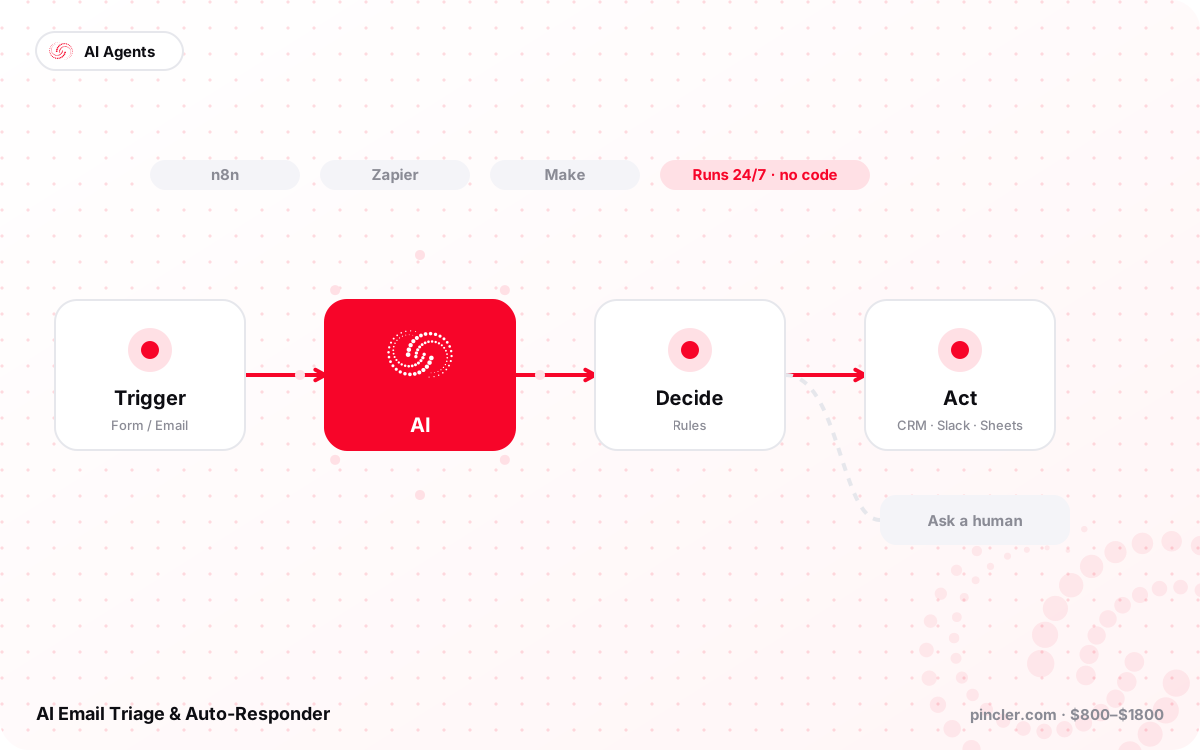
An AI email triage and auto-responder that sorts your inbox, drafts replies and routes requests to the right person. Email automation development from $800 to $1,800.
The problem
Shared inboxes like info@, support@ and bookings@ receive hundreds of messages a week at clinics, logistics firms and agencies. Someone spends two hours every morning reading, forwarding and replying to the obvious ones, urgent requests get buried under newsletters, and customers wait a full day for an answer that took thirty seconds to write.
What we build
We build an AI email triage agent connected to Gmail or Microsoft 365 that classifies every incoming message, extracts the request, drafts a reply in your tone for approval or sends it automatically for low-risk categories, and routes the rest to the right person or ticket queue. Using Claude to read long threads with attachments and DeepSeek for cheap high-volume classification, we scaffold the mailbox connector and rules engine with Cursor, then test it on a month of your real email. Custom software development from $800 to $1,800, never above $2,500, deployed in your own Google or Microsoft tenant.
Features included
- Gmail and Microsoft 365 integration
- Category detection and priority scoring
- Drafted replies in your writing style
- Auto-send for approved low-risk categories
- Routing to people, labels or helpdesk
- Attachment reading for invoices and forms
- Spam and newsletter suppression
- Daily digest of what was handled
What you receive
- Full source code in your GitHub repository
- Deployment in your Google or Microsoft tenant
- Rules and category configuration panel
- Setup documentation and handover video
- 30-day bug-fix warranty after launch
How we build it
- Day 0: free 30-minute call to fix categories, routing rules and risk levels, followed by a written fixed quote
- Days 1–4: the Gmail or Microsoft 365 connector, classifier and rules engine are built inside your own tenant
- Days 5–8: the classifier is tested on a month of your real email and accuracy is reported per category
- Days 9–11: drafting in your tone, routing and the daily digest go live in draft-only mode
- Days 12–14: approved categories switch to auto-send, admin training is completed and the 30-day warranty begins
What each budget gets you
| Budget | Build | What changes |
|---|---|---|
| $800 | Sort and draft | One shared inbox classified with priority scoring, drafted replies in your tone for approval and spam and newsletter suppression |
| $1,300 | Routing build | Adds routing to people, labels or your helpdesk, auto-send for approved low-risk categories and a daily digest of what was handled |
| $1,800 | Full inbox engine | Adds a second mailbox, attachment reading for invoices and forms, calendar or CRM lookups inside replies and ticket creation in Zendesk or Freshdesk |
Ideal for
- Logistics and freight forwarders
- Clinics and diagnostic labs
- Accounting practices
- Travel agencies
- Property managers
FAQ
AI Email Triage & Auto-Responder: common questions
What is AI email triage?
AI email triage reads every message arriving in a shared inbox such as info@, support@ or bookings@, classifies it, scores its urgency, drafts a reply in your tone and routes it to the right person or queue. Low-risk categories can send automatically, and everything else waits for a one-click approval. The effect is that the inbox is already sorted and half-answered before anyone opens it.
How much does email automation cost?
AI email triage and auto-response costs $800 to $1,800 at PINCLER as a fixed price. Mailbox volume, the number of categories and routing rules, and whether attachments need reading are what move it within the band. Model usage runs on your own keys, and no project goes above $2,500.
How long does it take to build?
An email triage system takes 7 to 14 days to build. We test the classifier on a month of your real email before it touches the live inbox, so you can see its accuracy per category on messages whose correct handling you already know. It starts in draft-only mode on the first day of going live.
Does it work with Gmail and Microsoft 365?
The system connects to Gmail and Google Workspace through the Gmail API, and to Outlook and Microsoft 365 through Microsoft Graph, using OAuth rather than passwords. It can create tickets in Zendesk, Freshdesk or your own helpdesk, and route to labels, folders or individual people. Calendar and CRM lookups can be added so a reply contains real booking or order details.
Can we approve replies before they go out?
Every category can be set to draft-only, approve-then-send or auto-send, and you change that setting yourself at any time. Most clients start with everything in draft mode and switch categories to auto-send as the drafts prove themselves, usually beginning with simple ones such as opening hours or document requests. A daily digest shows what was handled and what was left alone.
Does our email leave our account?
Your email never leaves your control. The agent runs inside your own Google Workspace or Microsoft 365 tenant, and only the message text needed for classification is sent to the model, with no retention. Source code lives in your GitHub repository, and you can revoke the OAuth grant instantly from your own admin console.
Is this better than Gmail smart reply or a helpdesk?
Gmail smart reply and Outlook suggestions handle one-line acknowledgements, not the classification and routing that makes a shared inbox work. A helpdesk such as Freshdesk or Zendesk is the better answer if you want ticketing, SLAs and reporting as a whole system, and many clients keep theirs and put triage in front of it. Build this when the volume is real but a full helpdesk migration is not something your team will actually adopt.
Who is this for, and when is it not worth it?
AI email triage pays off for shared inboxes taking roughly a hundred or more messages a week where the same categories repeat, such as logistics, clinics, accounting practices, travel and property management. If your inbox is genuinely varied and every message needs judgement, triage saves you sorting time but little drafting time. It is also the wrong fit where a mistaken auto-reply carries legal or financial consequences, unless those categories stay in draft mode permanently.
Related
Similar projects within the same budget
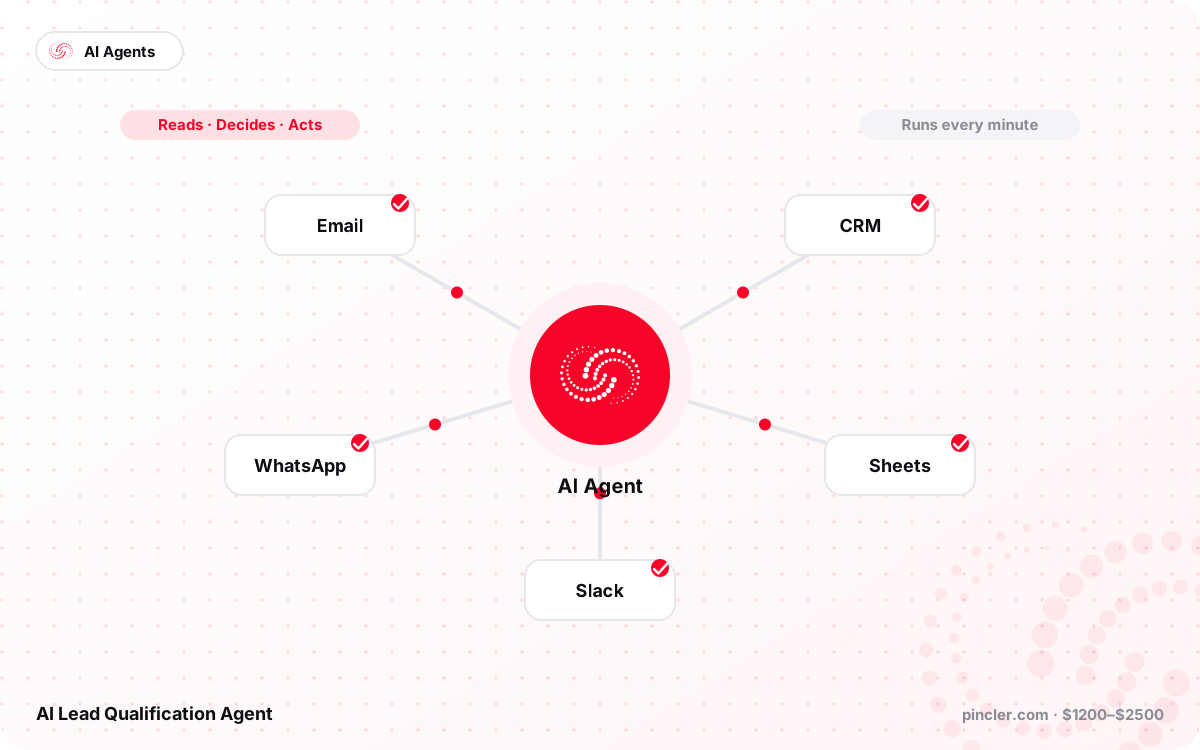
AI Lead Qualification Agent
An AI lead qualification agent that reads every inbound lead, scores it, asks follow-up questions and books meetings for your sales team. Built from $1,200 to $2,500.
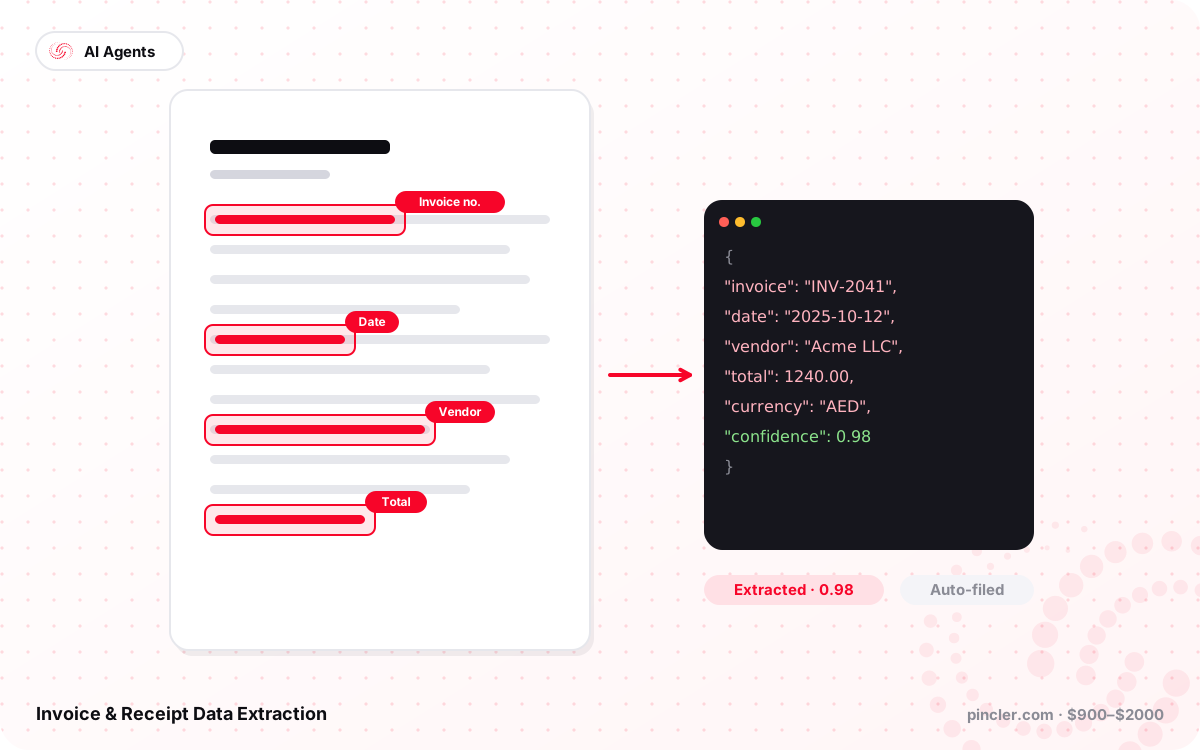
Invoice & Receipt Data Extraction
AI invoice and receipt data extraction that turns scans and PDFs into clean line items with VAT or GST, exported to your accounting software. Built from $900 to $2,000.
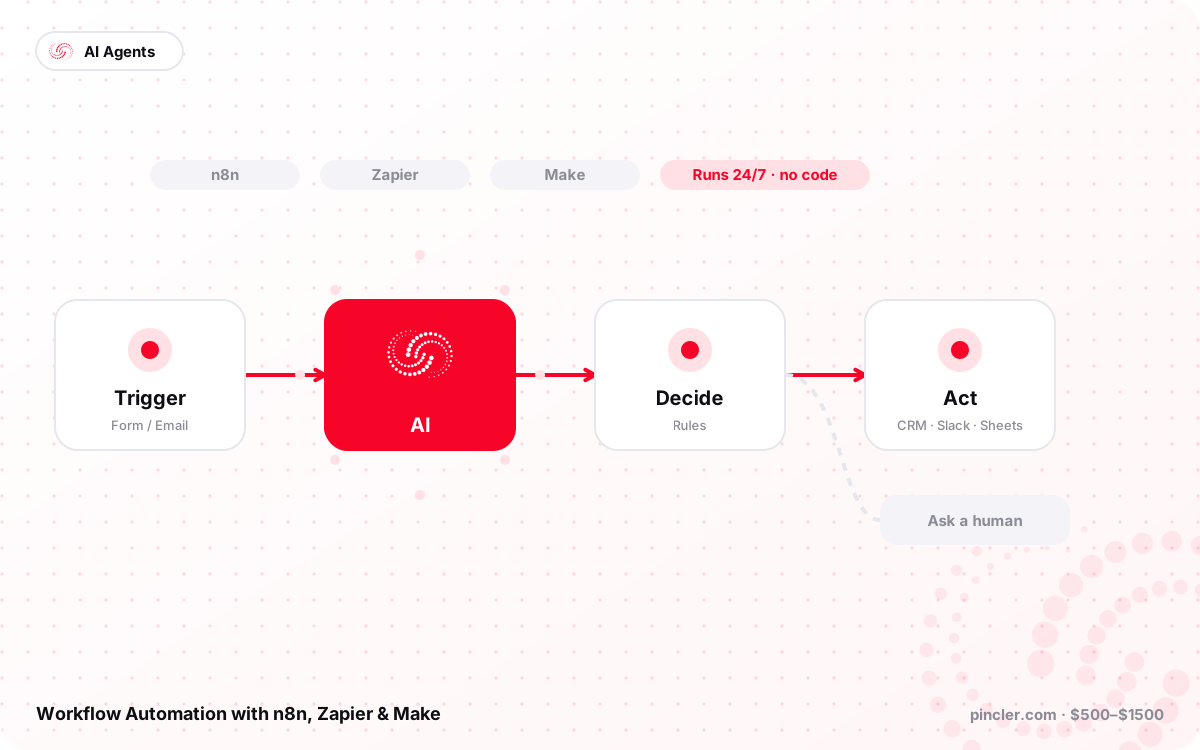
Workflow Automation with n8n, Zapier & Make
Workflow automation with n8n, Zapier or Make that connects your apps, removes copy-paste work and adds AI steps where useful. Automation development from $500 to $1,500.