The AI Development Stack We Use in 2026
The AI development stack we ship with in 2026: which models and tools write the code, where humans stay in the loop, and what we would tell you to copy.
Quick answer
- Models
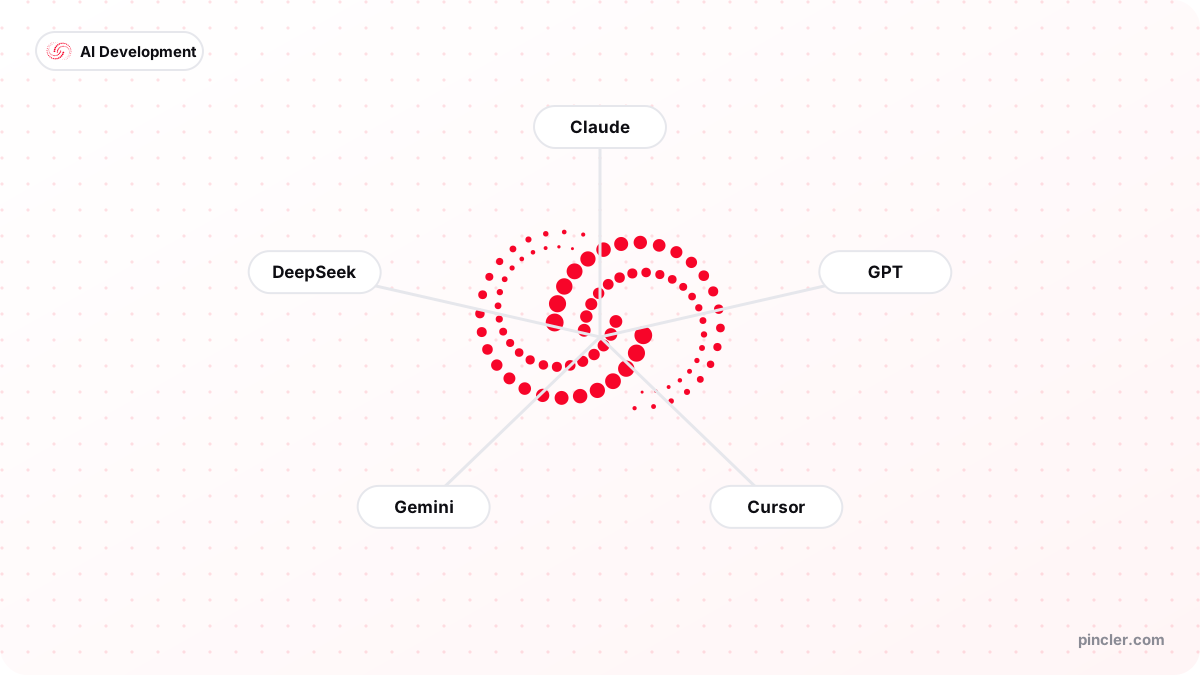
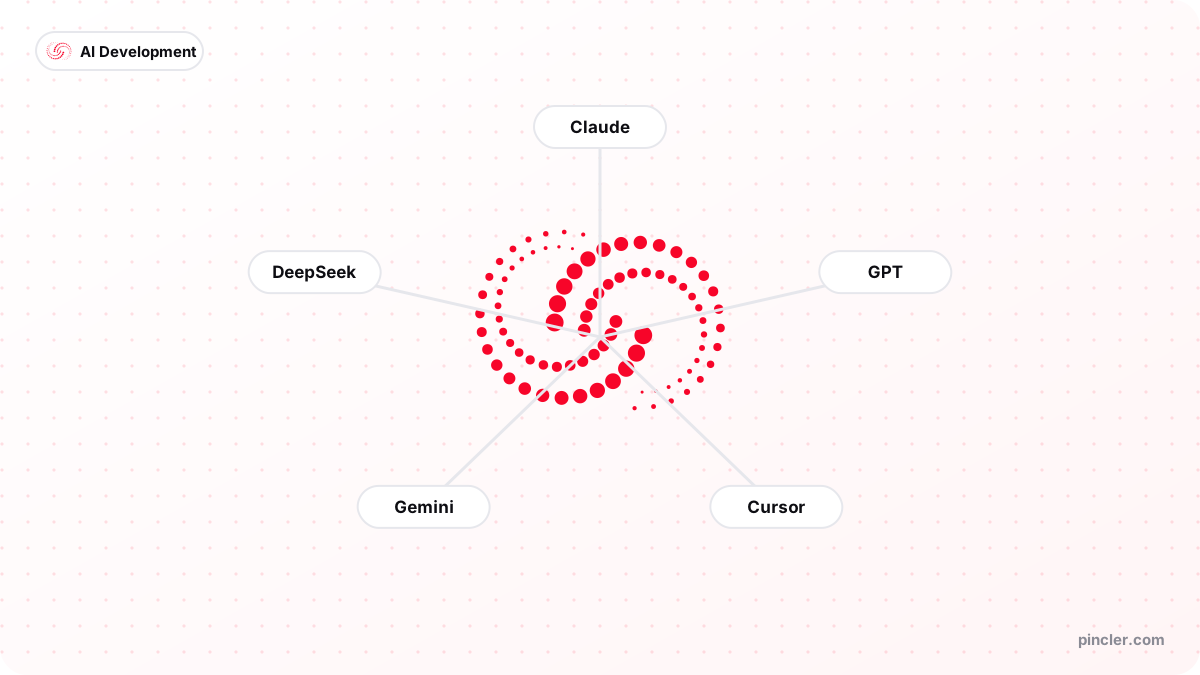
- Claude, GPT, Gemini, DeepSeek — routed by task, swappable by design
- Daily tools
- Cursor as the editor, Claude Code for multi-file agentic work, v0 for first-draft UI
- Quality layer
- TypeScript, automated tests, CI on every commit, preview deploys, monitoring
- Always human
- Architecture, security review, and the release decision
Our AI development stack in 2026 is deliberately boring: Claude and Claude Code for the heavy generation and multi-file work, Cursor as the daily editor, GPT and Gemini where their strengths fit, DeepSeek where volume and cost matter, and v0 for first-draft interfaces — all of it flowing through senior engineers who own architecture, review and release.
The tools get the headlines, but the stack that actually protects quality is the unglamorous half: TypeScript, automated tests, CI checks on every commit, preview deployments and production monitoring. AI writes fast; that layer is what catches it being confidently wrong.
This post lays out the full stack, what each piece is for, and — since models and tools change quickly — the principles we would keep even if every product name on this page were different next year.
The stack at a glance
Here is the whole thing on one table. Nothing on it is exotic, which is rather the point — an ai development stack you can hire for, hand over and maintain beats a clever one every time.
| Layer | What we use | What it does |
|---|---|---|
| Models | Claude, GPT, Gemini, DeepSeek | Generation, refactoring, review assistance, cost-efficient volume work |
| Coding tools | Cursor, Claude Code, GitHub Copilot | Daily editing, multi-file agentic tasks, inline completion |
| UI drafting | v0, component libraries | First-draft screens from a description, refined by hand |
| Application stack | TypeScript, Next.js, Postgres | Typed, well-documented, easy for any team to inherit |
| Quality gates | Automated tests, CI on GitHub Actions | Every commit checked before a human even reviews it |
| Delivery | Vercel or client cloud, preview deploys, monitoring | Ship small, see it live, catch failures early |
Why do we run more than one model?
Different models are good at different things, and the differences are real enough to matter on a deadline. In broad strokes: we reach for Claude when the task spans many files or needs careful reasoning about existing code, GPT for quick generation and its wide tooling ecosystem, Gemini when a task benefits from very large context or multimodal input, and DeepSeek when the job is high-volume and well-defined enough that a cost-efficient model does it comfortably — we compare the frontier options at length in Claude vs GPT vs Gemini for software development.
We deliberately avoid stronger claims than that. Models change quickly — capabilities shift between releases, and a ranking written in January is unreliable by June. What stays stable is the practice: keep two or three models in rotation, re-evaluate on your own real tasks rather than on headlines, and build so that swapping models is a configuration change, not a rewrite.
What does the adoption data show — and which gap shapes this stack?
Stack Overflow's 2025 Developer Survey found 84% of developers using or planning to use AI tools, with 51% of professionals using them daily — and, in the same survey, more developers actively distrusting the accuracy of AI output (46%) than trusting it (33%). That pairing is not a contradiction; it is a workflow instruction. Use the tools everywhere, and verify everything they produce.
The enterprise evidence points the same way. GitHub's randomised study with Accenture measured an 8.69% increase in pull requests per developer, a 15% improvement in merge rate and an 84% increase in successful builds after rollout of its coding assistant — and also found developers accepted only around 30% of suggestions. Seven in ten machine suggestions declined by a human is not the tool failing; it is the review layer doing its job. It is also why we budget as much senior attention for reviewing as the old world budgeted for writing.
There is a warning in the data too. GitClear's analysis of 211 million changed lines of code found duplicated code blocks rose roughly eightfold during 2024 — the first year on record in which copy-pasted code exceeded refactored code — and recent DORA State of DevOps research found AI adoption improving individual effectiveness while correlating with increased delivery instability. Tools amplify whatever system they land in. Our answer to that, as an AI development company, is the unglamorous quality layer described below.
Where does the code actually get written?
Cursor is the daily driver — an editor with the model wired into the codebase, so generation happens with full context of the project rather than in a chat window somewhere else. For bigger, well-specified chunks of work — a refactor across a dozen files, a test suite for an existing module, wiring a new integration end to end — Claude Code runs the task agentically and presents the result for review. How the three main coding tools divide the work is a post of its own: Cursor vs GitHub Copilot vs Claude Code.
The workflow discipline matters more than the tool choice. Generated work arrives as a normal pull request and goes through the same review as anything human-written. No AI output merges itself. That single rule is most of the difference between a studio using AI and a studio being used by it.
What makes AI-written code safe to ship?
Not the AI — the machinery around it. AI-generated code fails in a particular way: it is confidently plausible. It compiles, it demos well, and the bug is in the edge case nobody prompted for. The defence is not better prompting — it is machinery that checks everything, every time, without getting tired.
TypeScript catches a whole class of generated mistakes at compile time. Automated tests — many of them AI-written, all of them human-approved — pin down behaviour so a later change cannot silently break it. CI runs the lot on every commit, preview deployments put each change in front of human eyes in a real environment before merge, and monitoring watches production because some failures only ever appear there. None of this is AI-specific best practice; AI just raises the cost of skipping it.
model generates → editor applies the change
    → TypeScript checks the shapes
    → tests + CI verify behaviour on every commit
    → a senior reviews the diff
    → preview deploy → human eyes on a real environment
    → merge → production → monitoring watches it
PINCLER's perspective: the stack across 79 catalogue builds
Tool lists are cheap; usage data is better. Across the 79 builds in PINCLER's published fixed-price catalogue — all priced between $500 and $2,500, with a median advertised price of $1,450 and a median quoted delivery of 13 days — the table below shows how often each tool appears on a build. The full dataset sits in our what-you-can-build research.
Two things stand out. First, the top of the table is boring on purpose: one general model family and one AI-native editor appear on nearly every project, because depth with a small kit beats breadth with a large one. Second, the specialists earn narrow, well-defined slots — v0 on 28 projects for first-draft interfaces, DeepSeek on 22 where volume and cost mattered, Gemini on 11 for large-context and multimodal tasks. That is what routing by strength looks like in practice, and it is the shape we would recommend to anyone assembling an ai development stack of their own.
| Tool | Catalogue builds used on (of 79) | Typical role |
|---|---|---|
| GPT | 76 | General generation and quick iterations |
| Cursor | 75 | Daily AI-native editor |
| Claude Code | 63 | Multi-file agentic tasks |
| Claude | 55 | Careful reasoning over existing code |
| v0 | 28 | First-draft interfaces |
| DeepSeek | 22 | Cost-efficient volume work |
| Gemini | 11 | Large-context and multimodal tasks |
| GitHub Copilot | 5 | Inline completion |
A worked example: where the hours go on one build
Take a two-week booking-system build quoted at $1,800. On a conventional team the honest arithmetic is brutal: four people — two developers, a designer, a QA engineer — for three weeks at 40 hours each is 480 person-hours, and at a typical market blended rate of $85 per hour that is $40,800. As a general market observation, that is roughly what mid-market agencies quote for exactly this build, and the hours are why.
With this stack, the same scope consumes roughly 30 to 40 senior hours across the fortnight: half a day locking scope and the data model, an hour or two a day steering and reviewing generation, a day wiring integrations against live sandboxes, a day on security review and hardening, then launch. The volume code — scaffolding, CRUD, tests, first-draft screens — arrives from the models in minutes and is reviewed rather than typed. Forty senior hours instead of 480 person-hours is the entire mystery of how an $1,800 fixed price can exist for the same deliverable. The stack is the margin.
What do we deliberately keep human?
Three things never get delegated to a model, on any project, at any deadline. Architecture and the data model — because the trade-offs depend on facts about your business the model does not have. Security review — because plausible-looking code is precisely where vulnerabilities hide, and authorisation logic, secrets handling and payment flows get read line by line. And the release decision — because shipping is a judgement call someone has to own.
Everything else is negotiable and increasingly automated. That boundary has not moved for us in two years of building this way, even as the tools below it improved dramatically.
When should you not copy this stack?
This stack is tuned for well-understood business software delivered fast, and honesty requires saying where it is the wrong template. A research-heavy product with novel algorithms gains little from generation speed, because the bottleneck is thinking, not typing. A heavily regulated system may need audit trails, formal verification steps and tooling constraints that rule out parts of this kit. And a large existing team with deep investment in another ecosystem should evolve what it has rather than transplant ours — the METR finding that experienced developers slowed down on their own mature codebases is a useful caution about forcing new tools onto old contexts.
The other case is simpler: if you ship code a few times a year, the learning cost of an AI-native workflow may exceed the saving. Below a certain volume of work, hiring a studio that has already paid that cost beats paying it yourself — which is, in fairness, exactly the business we are in.
How should you assemble your own stack?
Start smaller than you think. One capable model, one AI-native editor, and a non-negotiable rule that everything lands as a reviewed pull request will get you most of the value. Add a second model only when you have a task the first one measurably struggles with, and resist tool-hopping — every switch has a learning cost, and the tools converge on each other's features within months anyway.
Spend the saved attention on the quality layer, because that is what actually determines whether AI speed becomes AI risk. If you would rather see the output of this stack than build one — we ship fixed-price projects between $500 and $2,500 with it, the MVP-in-14-days sprint being the concentrated version, and a free 30-minute call will get you a written quote within a working day.
Related PINCLER builds
Frequently asked
Does your choice of AI tools change what I pay?
No. Projects are fixed price between $500 and $2,500, quoted from scope: AI writes the first draft whichever model is behind it, senior engineers review and test what ships, and the tooling is our cost rather than yours. Where a model choice does touch you is inside your product — if your software calls an LLM in production, we pick the model against your budget and quality needs, and you pay that usage directly through your own account with no markup.
Do I need licences for any of these tools after handover?
No. The delivered product is ordinary TypeScript, ordinary Postgres, ordinary infrastructure — the AI tools are how it was produced, not what it runs on. Code lives in your GitHub and runs on your cloud. The only ongoing AI cost is if your product itself uses a model at runtime, such as a chatbot, and that runs through your own API account.
How quickly does this stack go out of date?
The product names churn constantly — models change quickly and editors leapfrog each other every few months. The shape of the stack has been stable for a couple of years: models generate, an AI-native editor applies, typed code and tests constrain, CI verifies, humans review and release. Copy that shape and you can swap any individual component without disruption, which is exactly how we treat it ourselves.
Do AI coding tools actually make teams faster?
The evidence says yes on well-defined work, and it depends everywhere else. GitHub's controlled experiment measured developers roughly 55% faster on a well-specified greenfield task, and its enterprise study with Accenture found more pull requests per developer and an 84% increase in successful builds. A randomised trial by METR, though, found experienced developers 19% slower with AI on their own complex codebases. The difference is the system around the tool — which is why copying the quality layer matters more than copying the tool list.
What should a small team's first AI development stack look like?
One capable general model, one AI-native editor, TypeScript, a test runner and CI — that is the whole starter kit for ai powered software development, and it carries you a long way. Add a UI-drafting tool when screens become the bottleneck, and a cost-efficient second model when an obviously high-volume task appears. Every addition after that should be justified by a task the current kit measurably fails at, not by a launch announcement.
Why do you use several models when one might do?
Because our usage data keeps showing that specialisation pays: across the 79 builds in PINCLER's published catalogue, GPT appears on 76 and Cursor on 75, while DeepSeek holds its slot on 22 where volume and cost dominated, and Gemini on 11 where huge context or multimodal input mattered. Routing tasks to strengths is worth real money at production volume. But the ordering matters — a single model used deeply beats four models used shallowly, so we added each one only when a recurring task justified it.
Sources
Want to build this?
PINCLER builds custom software, AI agents and GTM systems for a fixed price between $500 and $2,500, delivered in 3–30 days, with the code owned by you.
Keep reading
Related articles
How AI-Native Development Changes Software Pricing
AI-native development pricing explained: what actually changed in the unit economics of building software, where AI does not help, and why lower variance makes fixed prices possible.
AI Agents vs Chatbots: What Your Business Actually Needs
AI agent vs chatbot: a chatbot answers questions, an agent takes actions across your systems. Here is how to tell which one your business needs, and what each costs.
AI-First vs Traditional Software Development
AI-first software development explained: how it differs from the traditional agency model, what changes in cost and speed, and where each approach genuinely wins.